Ship AI Updates: A 160-Case Model-Prompt Regression Suite
Build a small, product-shaped eval suite that separates model changes from prompt changes before users feel the difference.
| By | Prompt & Product — Newsroom |
|---|---|
| Filed | 14 September 2026 |
| Read | 3 MIN |
When a model update lands, the product answer can look smoother, shorter, or slightly off. In the GPR-bench experiments, a concise-writing prompt added 12.37 percentage points of conciseness while giving back 1.7 percentage points of accuracy. Before you write the release note, you need a check that says which variable moved: the model or the prompt.
GPR-bench organizes the dataset into eight task categories, each with 10 scenarios, giving 80 English cases and 80 Japanese cases, or 160 cases overall. That shape keeps the suite close to real work instead of a pile of toy prompts.
A small suite beats a vague confidence
Designers often treat model updates like weather: check the forecast, hope for the best, then patch the UI after users complain. The better pattern is a repeatable check that separates the model from the prompt. Seeing which one moved lets the team decide whether to ship, roll back, or redesign the instruction before the release decision gets made.
The signal has to be machine-readable, not a gut feeling from a few sample answers. GPR-bench scores model outputs for correctness and conciseness using an LLM-as-a-Judge method. It turns a handful of answers into a number you can compare across releases.
Build the suite before the model changes
- Choose task categories that match your product. The list should name jobs users actually ask the system to do, not model capabilities. Use those jobs as the test surface.
- Write scenarios for each category. Cover common requests, edge cases, and the ambiguity users bring in. Keep prompts short enough to run often, but specific enough that a bad answer is obvious.
- Translate the scenarios into another language. Mirror the first set case for case, so the suite can catch drift across languages.
- Score outputs with the judge. Build a rubric that checks the judged qualities for every case. The gpr-bench package assesses generative AI model outputs on correctness and conciseness.
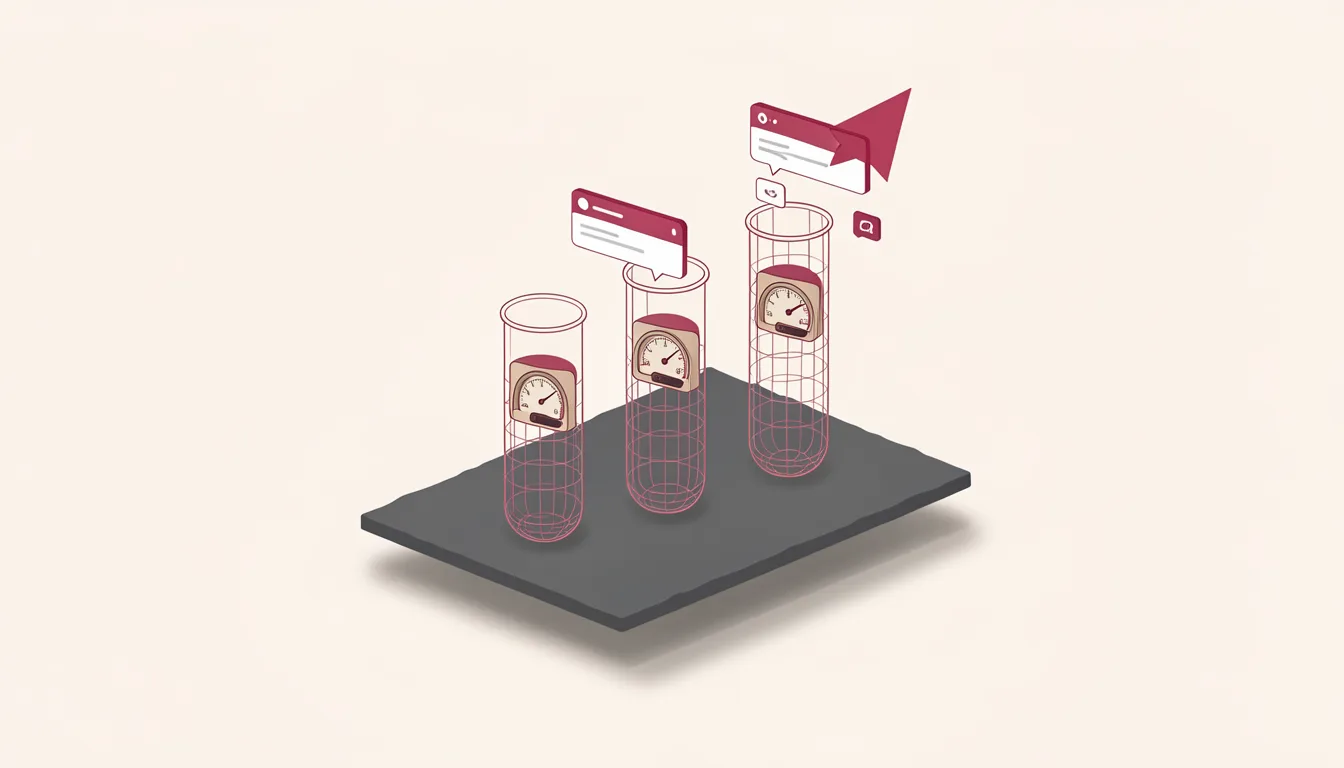
- Run the model-and-prompt comparison as a 3x2 table: test gpt-4o-mini, o3-mini, and o4-mini under a default prompt and a concise-writing prompt.
The usual mistake is to make the suite a list of edge cases that only the team understands. Users do not think in edge cases. They think in tasks. Rewrite any scenario that a non-engineer cannot understand plainly.
Read the comparison result like a design decision
The 3x2 comparison exists to separate model change from prompt change. When a new model improves a category but weakens another, you can see the trade before users do.
Look for category-level movement first, then language-level movement. A small drop in a secondary category may be acceptable when the core job stays stable. A large drop in the language your users actually use is a stop sign. The suite should be small enough that the team runs it on every candidate release, not only when something feels off, and not after launch.
The concise prompt result is a design trade, not a failure. Some products need shorter answers. Some need more complete ones. The suite lets you choose deliberately.
Use the gpr-bench codebase as a starting point, not a finished policy. The gpr-bench codebase carries an MIT License. You can adapt the categories, the scenarios, and the judge rubric to your own product. The deliverable is a model update regression test that tells you what changed, why it changed, and whether users should see it.
When the next model release arrives, run the suite before you write the release note. Watch the numbers and ask which variable moved. A prompt that moved needs a prompt redesign. A model that moved needs a product judgment. Keep the decision defensible.