Design an AI agent users can text without losing trust
A texting agent earns trust when it picks the right channel, limits proactive pings, keeps risky approvals in the app, and states what it cannot see.
| By | Prompt & Product — Newsroom |
|---|---|
| Filed | 31 October 2026 |
| Read | 3 MIN |
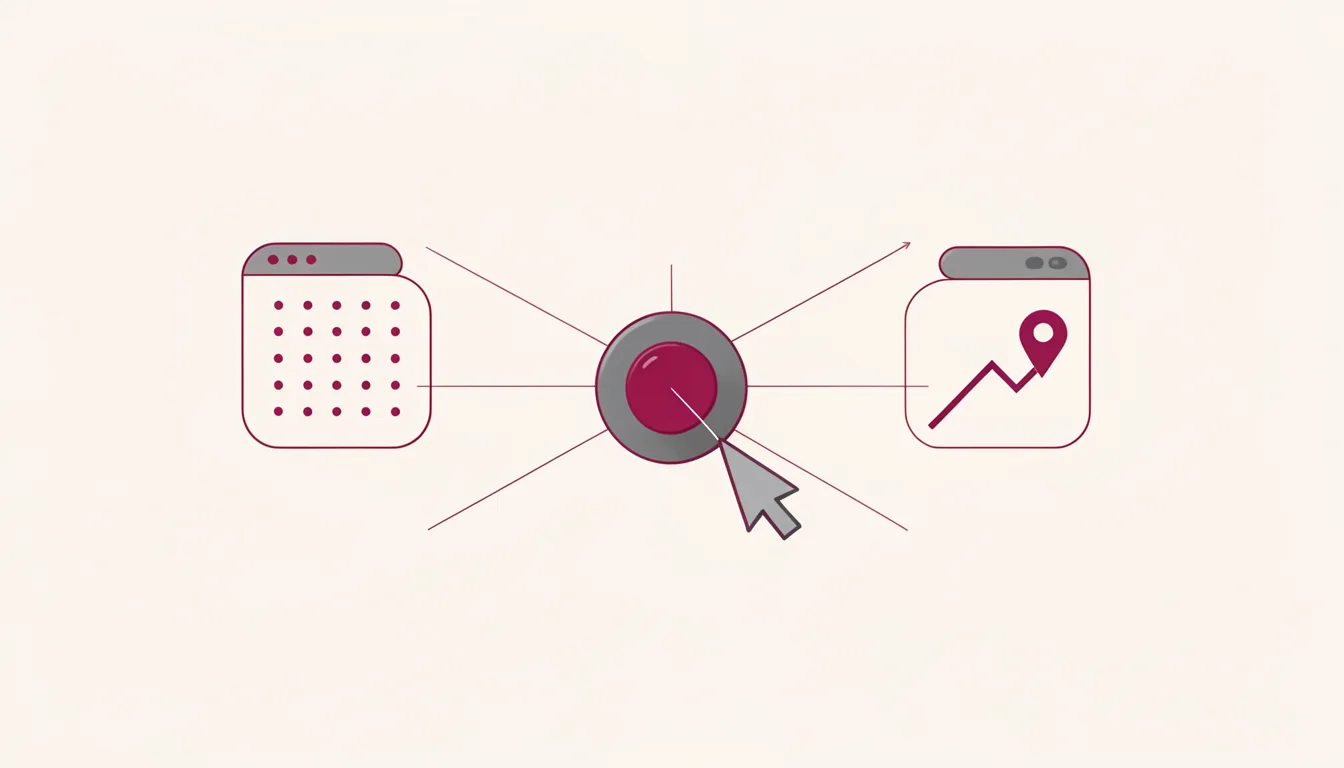
A text from an agent can feel useful or invasive depending on one decision: where the message belongs. If the agent pings at the wrong moment, the user stops trusting the whole product. Channel routing is the first design move: choose the surface before the agent sends.
OpenAI announced iMessage and RCS access for ChatGPT Dot on October 28. The agent can text users proactively with relevant updates. The rollout is a beta preview limited to US ChatGPT Pro subscribers. Linq, the third-party provider used for ChatGPT Dot's iMessage channel, claims P95 outbound latency under 120 milliseconds and 99.95% uptime. ChatGPT Dot's iMessage and RCS messages route through Linq's cloud infrastructure before OpenAI stores them in the Dot's standard conversation history.
The channel is the first trust decision
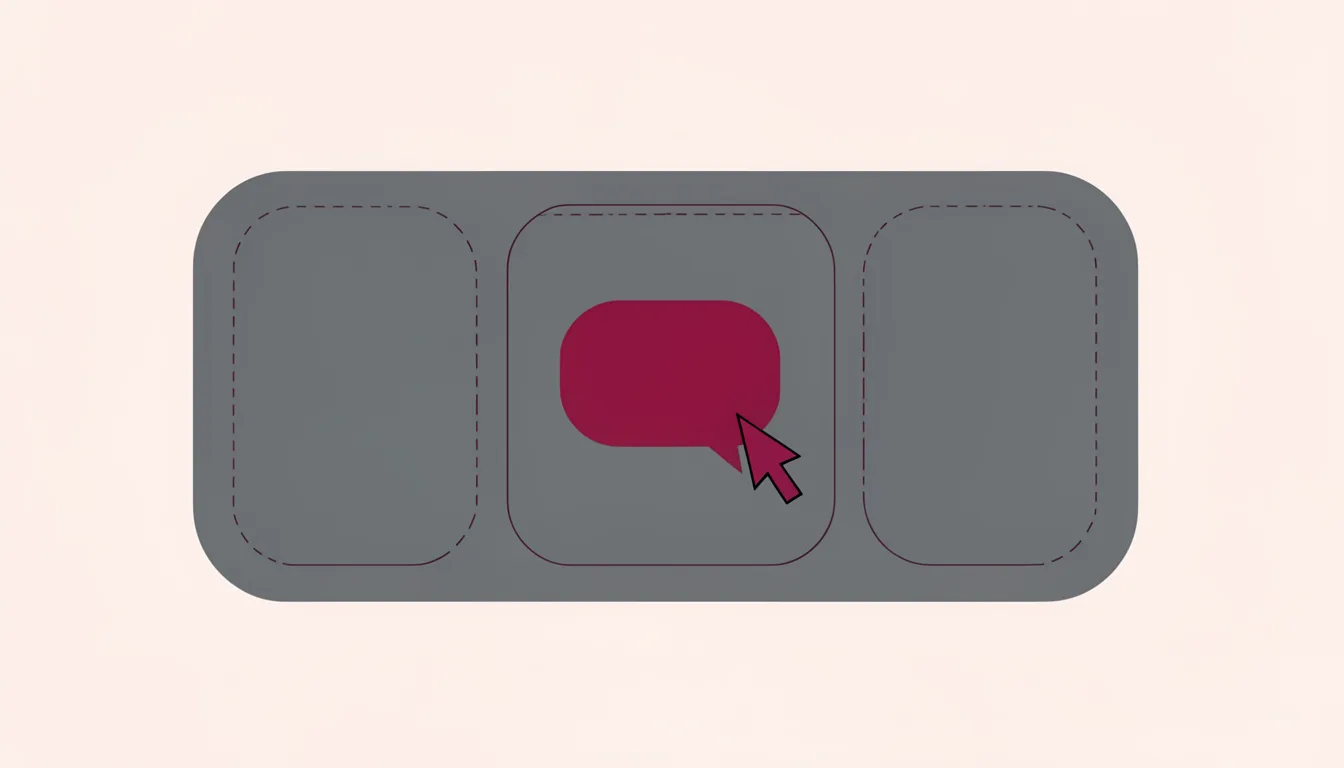
A text thread is a narrow surface. It carries short updates, not every thought the model has. OpenAI describes the ChatGPT Dot texting channel as a one-to-one connection, meaning only that user can text the Dot and the agent gets no access to other inbox messages.
Route by context. Status updates can text, but payment approvals cannot. Reminders can text, but legal decisions cannot. The test is simple: if the message would be annoying in a group chat, it probably should not be a proactive text.
Pushes should be expected, not surprising
A proactive ping is useful only when it matches a promise. If the agent texts about a meeting, a delivery, or a task it owns, the user can file it. If it texts because the model found something interesting, the user feels the boundary has been crossed. The default is quiet, and the user can opt into more, not less.
Set push cadence in the channel itself. A texting agent that cannot be quiet is a texting agent that will be deleted. The user should be able to see what kinds of messages will arrive, pause them, or move them back to the app.
Approvals belong where the user can inspect the action
When ChatGPT Dot needs explicit approval for an action, it sends a text link that opens the request inside the ChatGPT app. That keeps the risky decision in a place where the user can see the action, the scope, and the undo path.
Human-in-the-loop routing should send destructive database changes to the owning platform or security team and above-threshold financial transactions to the owner of transaction controls. Oracle's Governed Execution design gives a runtime controller the power to permit, block, reduce, escalate, or send a proposed AI action to human review.
High-risk AI actions, including data exports, customer messages, record changes, privileged access, and financial operations, require stronger policy checks, approvals, evidence, and rollback readiness. Oracle's Governed Execution model requires pre-execution checks for AI actions that can touch sensitive data, call tools, change enterprise state, export data, send messages, trigger workflows, or spend material budget.
Human-in-the-loop oversight acts as a real-time audit mechanism that catches likely model errors before customers or regulators discover them. Oracle's trustworthy AI runtime requires audit processes to use visible evidence instead of opaque reasoning traces.
The boundary should be visible
A text agent needs to say what it can see: the thread, the task, the files it was given. It also needs to say what it cannot see: other inboxes, private chats, or systems it has not been granted. When the boundary is visible, the user can decide what to share.
Publish the boundary in the product, not in a footnote. The first message names the channel's limits. The settings screen shows what the agent can access. If the agent cannot state the boundary, the user will infer it, and the inference will be worse. The approval screen shows what the agent will do if the user says yes.
- Route by context: a status update can text; a payment approval cannot.
- Set push cadence in channel: the agent sends only expected updates, and the user can mute or pause them.
- Keep approvals in app: risky actions arrive as a link that opens the full decision in the app.
- Publish boundary: the agent says what it can see, what it cannot see, and where the conversation ends.