Design AI agents users trust: name modes, pause for plans, keep-or-skip diffs
Ship AI agents with named modes, plan approval, and keep-or-skip diffs so users can see what the system may touch and undo what it did.
| By | Prompt & Product — Newsroom |
|---|---|
| Filed | 15 October 2026 |
| Read | 3 MIN |
Name the mode before the model speaks
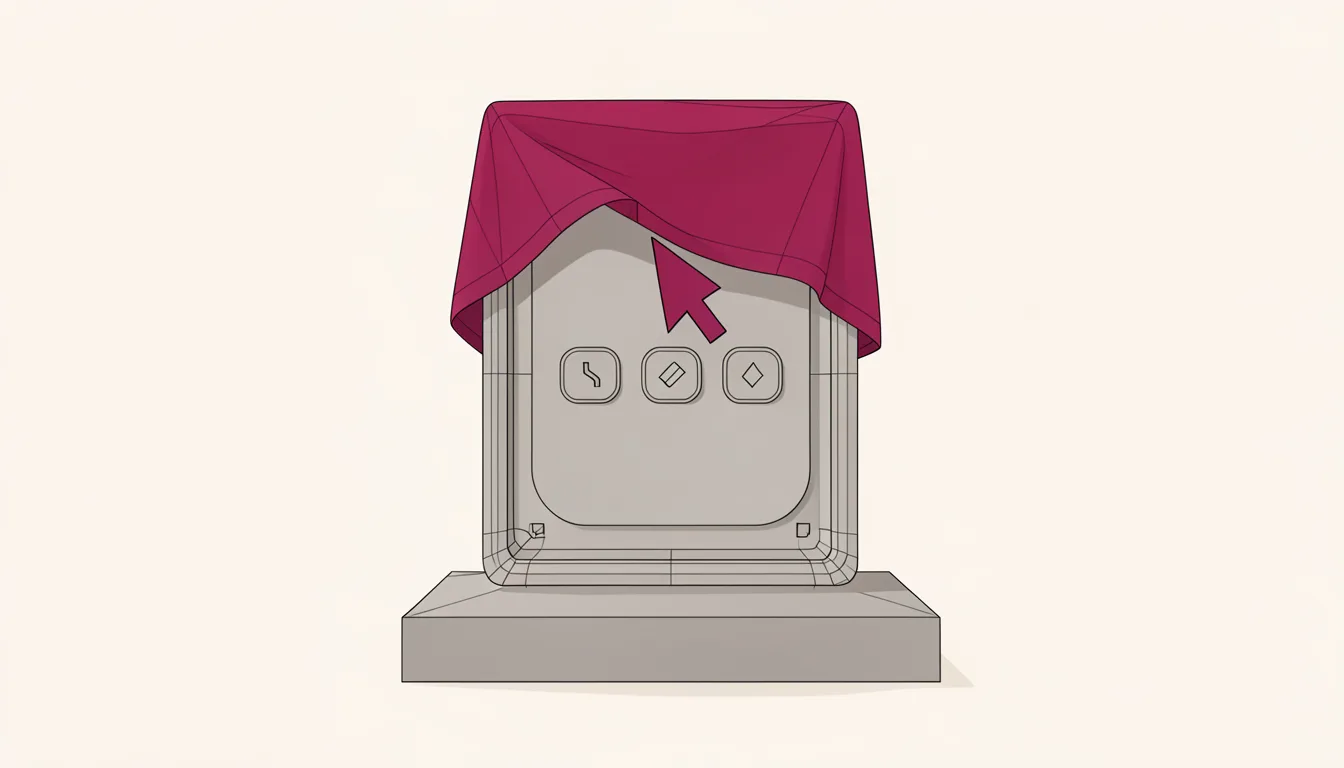
When an AI coding agent is about to touch your repository, the user needs to know what it may do before it does it. Claude Code users approved roughly 93% of permission prompts, a pattern associated with approval fatigue. A mode-gate map makes the boundary visible:
- mode
- what it may read or write
- artifact it produces
- approval point
- keep-or-skip diff or rollback path
Shape released version 1.0.0 on October 9, 2026, and its agent workflow is built around five named modes: Code, Ask, Plan, Visual, and Review. It runs only on Windows 10 or later and supports x64 and ARM64. Each mode should say what it may read, what it may write, and what it must not do.
A visible state label, a short description of what that state may touch, and a disabled action for anything outside that state turn a chat surface into a permission system. If the user cannot tell whether the agent is reading, drafting, editing, or inspecting, the interface has already failed. The label should make the agent's current authority obvious without asking the user to infer it from tone, length, or the last message.
Pause the plan until the user signs it
Record the plan before any write. Shape's Plan mode records a step-by-step approach in a .shape/plans file and pauses for developer approval before making code changes. Claude Code's Plan mode is read-only: it researches and drafts an approach but does not modify files until the user gives explicit approval. ZCode asks for a desired outcome, then plans, edits files, runs checks, reviews progress, and iterates until the goal is reached.
Make the plan artifact durable. If the plan disappears after approval, the user cannot audit why the agent chose that path. A readable sequence of steps, the files or commands it expects to touch, and an explicit approve button that does nothing until pressed keep the plan alive after the conversation scrolls away.
The trap is a plan that sounds confident but hides the scope. If the user cannot see which files, commands, or network calls are in scope, approval becomes a formality. In agentic AI governance, greater risk and lower reversibility call for stronger proof before an agent is allowed to act alone.
Make every edit a keep-or-skip decision
Show the diff before the change becomes real. Shape presents a diff for every edit and leaves committing to the user. In Shape, Review mode diagnoses the underlying bug, suggests a minimal repair, and shows file-by-file diffs in chat. Shape's Visual mode lets a developer click a UI element in an in-app localhost browser, then writes matching source changes back for sign-off.
Make the diff granular enough to skip. If a change touches a config file, a test, and a UI component, show them separately. File-by-file changes, a clear before-and-after, and a control to keep one change, skip another, or roll back the whole edit turn the agent's output into decisions the user can make in the order they matter.
That control matters most when the agent is right about the fix and wrong about the side effects. A useful diff view lets the user accept the repair, reject the noisy change, and keep the repository state legible without re-reading the entire conversation.
Leave the commit to the human
Keep the commit out of the agent's hands. The v2.1.200 update of Claude Code, released July 3, 2026, made Manual the default permission setting instead of Auto in the command-line interface, VS Code extension, JetBrains plugin, and help output. Claude Code's Manual mode pauses for consent before file writes, shell commands, or network calls. ZCode requires a confirmation step before sensitive commands, file modifications, or high-permission actions run.
A keep-or-skip diff is only half the promise. The user also needs a way to undo the accepted change without hunting through history. Put the commit control next to the diff, not behind a settings menu. A commit button that is disabled until the user has reviewed the diff, and a rollback path that is visible after the change lands, make the final decision a deliberate act rather than an afterthought.