Design the AI Outage State: Name the Failure, Show What Still Works, and Give Users a Next Step
A clear degraded-service contract tells users what is broken, what still works, and what to do next.
| By | Prompt & Product — Newsroom |
|---|---|
| Filed | 7 September 2026 |
| Read | 4 MIN |
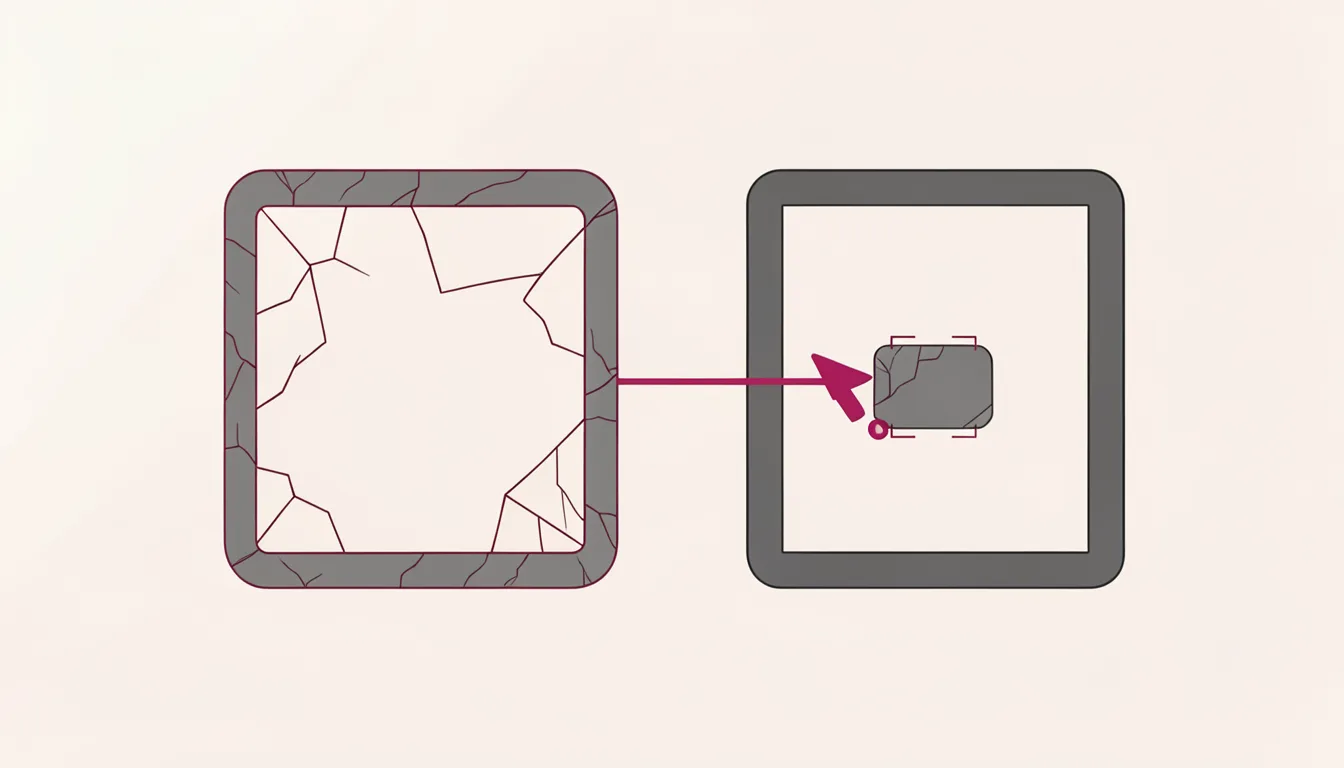
When an assistant stops working, the most expensive thing a product can do is pretend it is fine. An outage is not just a backend incident; it is a moment where the interface either earns trust or spends it. Users do not need a mystery. They need a degraded-service contract: what is broken, what still works, what they can do now, and what to expect next.
An outage like this looks like a typical reliability event, but the user-facing details make it a design event. ChatGPT, Claude, Gemini and Grok experienced a service outage that affected users. An outage tracker reported problems in four popular chatbots. OpenAI's status page reported serious errors in ChatGPT and Codex, and OpenAI said corrective measures had been applied and recovery was being monitored. Yet no company had detailed the exact technical reason for the errors.
The most damaging detail was not the error itself. It was the mismatch between the product's confidence and its capacity. Claude sometimes denied having problems while it could not load more responses or search the web. That is the pattern designers should fear: a system that sounds normal while its behavior is not. In AI products, the model can be the interface. If the model is degraded, the interface is degraded too, even if the screen still looks polished.
Why outage states are a trust problem
Traditional software failures are often visible: a spinner, a timeout, a broken button. AI products add a second layer of uncertainty because the user is talking to something that can explain itself. That makes status communication harder, not easier. A chatbot can say "everything is working" while it cannot retrieve context, call a tool, or continue a conversation. The user has to decide whether to trust the words or the behavior. The product should not force that choice.
Trust is not built by hiding failure. It is built by making failure legible. When a service is degraded, users need to know whether their work is safe, whether their input was processed, whether they should retry, and whether the product is still useful for anything at all. If the answer is unclear, users do not just lose a feature; they lose confidence in the product's judgment.
The degraded-service trust checklist
Use this checklist whenever an AI feature is partially down, rate-limited, or behaving outside its normal contract. The goal is not to sound calm. The goal is to be accurate enough that users can act.
- Acknowledge the outage plainly. Say the service is degraded if the user cannot complete the task. Plain language reduces anxiety and prevents users from blaming themselves.
- List affected capabilities. Name what is broken: generation, search, file upload, memory, tool use, long context, or a specific workflow. Vague language makes users test the product and discover the failure themselves.
- List unaffected capabilities. If history, settings, saved projects, or basic responses still work, say so. This turns a dead end into a usable state.
- Offer the best user action. Tell users what to do now: wait, retry later, switch to a supported feature, export work, or contact support. The action should match the actual recovery path.
- State recovery expectation or monitoring status. If you know when service should return, say it. If you do not, say that recovery is being monitored and where to check for updates.
- Avoid claims of normal operation when behavior is degraded. If the system cannot complete a task, do not let the model describe the experience as normal. Confidence without capacity is the fastest way to erode trust.
Redesigning the outage state
A good outage state is not a sad face with a retry button. It is a small product surface with three jobs: explain, preserve, and direct. The explanation should appear where the user is working, not only on a status page. The preservation should protect the user's work: keep the conversation, show what was submitted, and make it clear whether the request was processed. The direction should give one next step, not a menu of possibilities.
For chat products, the outage message should appear in the conversation itself. It should not be hidden in a banner that the user can dismiss. If the assistant cannot continue, the interface should say so in the same place where the user expected a response. For agent products, the state should show which step failed, which tools are unavailable, and whether the agent can safely resume. For assistant products, the state should distinguish between not being able to answer a particular request and not being able to answer anything.
The status page matters, but it is not the whole job. A status page is for operators, developers, and people who already know they are looking for an incident. The user in the product needs the same information in the moment of failure. That means the outage state should be designed as part of the product, not bolted on after the incident begins.
When reliability is imperfect, the product's job is to make the imperfection understandable. A clear degraded-service contract does not make the outage less annoying. It makes the product more trustworthy. Users can forgive a failure when they know what happened, what still works, and what to do next. They cannot forgive a product that keeps smiling while it breaks.