How to design AI agents users can supervise: presence, access, and routines
A persistent agent is easier to trust when its state, reach, and starting reasons are visible before the user has to ask.
| By | Prompt & Product — Newsroom |
|---|---|
| Filed | 5 October 2026 |
| Read | 3 MIN |
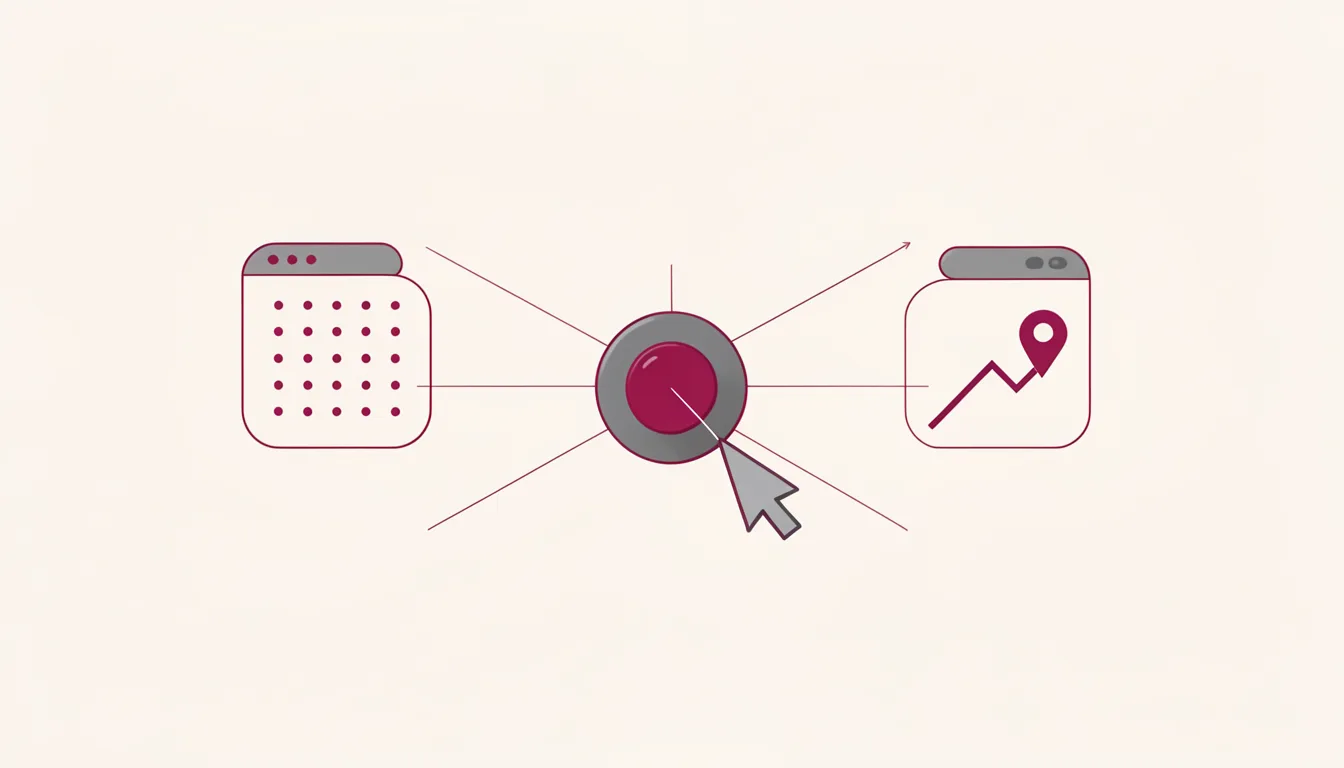
On a product screen, a persistent agent earns supervision when the user can tell what it is doing, how far it can reach, and why it started. The pattern has three parts: presence, access, and routines. Each part gives the user a way to check in without becoming the operator.
Make presence readable before the user asks
Define the roster before adding controls. The roster should show the agents that persist across sessions, not just the latest thread. Keep the visible vocabulary small enough that a user can name the main objects without a manual. xAI's Grok Bot design narrowed the exposed AI-system vocabulary to five core concepts. Grok Bot organizes the product around persistent Bots rather than disposable conversations. The home screen should let the user say which agent is responsible, what it is working on, and whether it is waiting.
Bound the roster to a number the user can actually track. A long list of agents becomes a liability when the user cannot tell which one needs attention. xAI set account limits of roughly 50 Bots and six for group chats. A scannable roster keeps the active agent, the waiting agent, and the finished agent easy to separate.
Show presence as state, not as a loading animation. A persistent agent interface needs an agent presence indicator that survives across tasks and tells the user what the next human action is. Grok Bot uses the Bot avatar to show six states: idle, thinking, working, waiting, blocked, and done. A glance should answer the question without opening a thread. If the user cannot tell whether the agent is waiting on a human, the presence system has failed.
Give access levels so supervision does not become operation
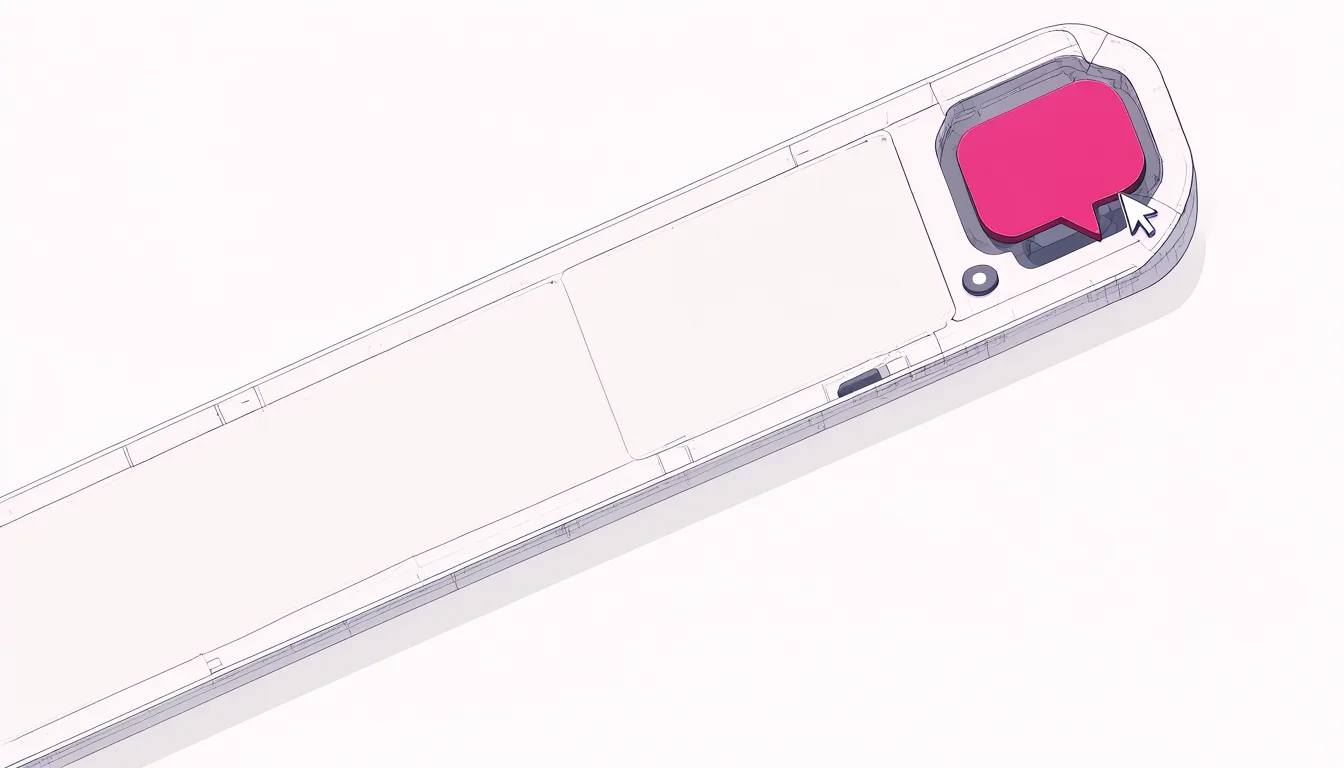
Expose agent workspace access levels in a graduated order. The user should be able to see that work is happening, watch it without leaving the main conversation, and take over only when a human step is required. Grok Bot's final computer design provides three levels of access to the Bot's workspace. The same view uses a purple title-bar indicator, a pinned side panel for watching, and full-screen takeover when the Bot needs help. A working version lets the user check in, stay in chat, or step in without learning a separate operating mode.
Name the access levels so the user can predict them. Status tells the user the agent is active. Preview lets them watch artifacts without changing the flow. Takeover is reserved for authentication, judgment, or a step the agent cannot safely perform. The user should know which level they are in and why they are there.
The common failure is to make takeover the only access path. Users then either avoid the workspace or get pulled into it at the worst moment. A supervision pattern needs a low-effort way to watch, a mid-effort way to inspect, and a high-effort way to operate.
Start work from routines, not prompts
Build scheduled agent work as a first-class object, not a hidden cron job. A routine should be something the user can name, inspect, pause, and delete. Grok Bot treats Routines as standing work triggered by a clock or event, so a session can start from a schedule, event, or another bot. The user does not have to invent the first prompt.
Make the trigger visible. Show the clock, event, or upstream agent that started the session. That detail lets the user decide whether to continue the work without asking for an explanation. A routine card can name the trigger, the last run, and the next expected run.
Test the handoff before you ship autonomy. Ask what happens when the agent is blocked, when the user closes the panel, and when a routine starts while the user is offline. The interface should make the next human action obvious, even when the user returns later. A blocked state can name the missing step, a paused routine can be resumed, and a takeover can return cleanly to the agent.
Keep a short log of what the agent did, what it accessed, and what it changed. The log should be readable by a person who did not start the session, and it should answer what happened, why it happened, and what the user can do next before the next run starts.