Make AI onboarding feel like a working tool, not a demo
A trustworthy AI first run starts with a safe default, a realistic example, a visible limit, and a repair path users can test before relying on the product.
| By | Prompt & Product — Newsroom |
|---|---|
| Filed | 8 September 2026 |
| Read | 4 MIN |
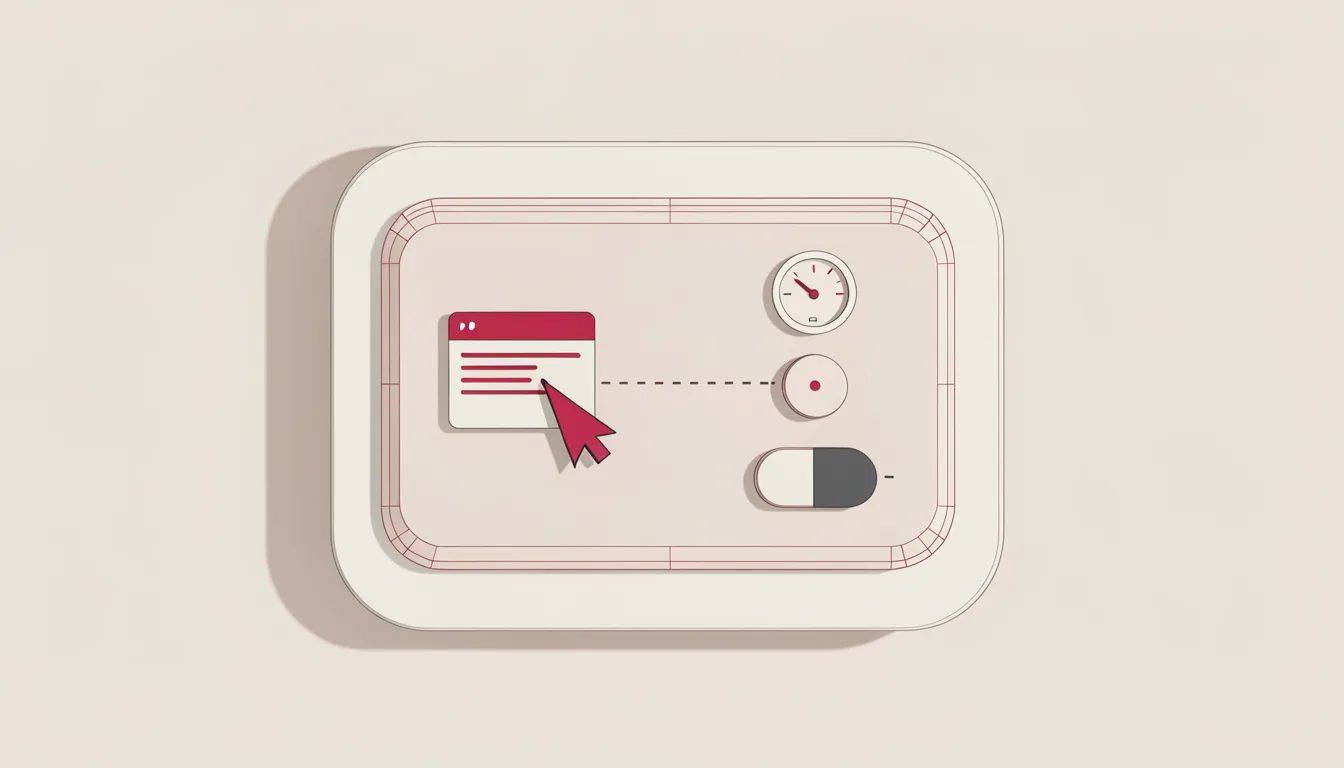
Most AI onboarding asks for trust too early. It shows a prompt box, a sample output, and a promise, then waits for the user to prove the product is useful. A better first run does the opposite: it lets the user learn the product’s boundaries before they are asked to rely on it. The first-run trust test has four parts:
- a safe default
- a realistic example
- a visible limit
- a repair path
New users typically reach value a little more than one day after starting. A researcher tested more than 30 SaaS tools and selected 10 onboarding flows as standout examples. Leading products get users to a useful outcome in less than five minutes. That window is short enough that a confusing first run can cost the product its first chance. The interface should teach the model’s role before the user depends on it, with a small task that can be checked. A generic welcome screen hides the model; a checkable task reveals it.
A safe default is the first trust signal
Start with a safe default that produces a useful artifact before the user types a prompt. Done looks like a prebuilt workspace, sample dataset, or starter workflow that the user can open, inspect, and change. Keep the default reversible and low-risk. Where the product infers context from signup answers, show that inference as a starting point rather than a hidden assumption. Show the product’s unit in the default: a row, a note, a ticket, a draft, or a report. Without that clarity, the user cannot tell what the product will change, and trust never forms.
Clay uses Sculptor AI to turn signup answers into a context-aware first workflow, lets users inspect the inferred business context, and runs an initial enrichment on ten rows. That pattern works because the user sees a working object, not a blank page. They can judge whether the product understood the job before investing more time.
A realistic example teaches the product’s shape
Show a realistic example that matches the user’s likely job, not a generic demo. The bar is a sample task with believable data, a visible output, and a clear next action. Keep the example close enough to the user’s work that they can judge quality, but not so close that it feels like a fake success. Use the user’s own words where possible. A signup form that asks for a use case should see that phrase reused in the sample output.
After its July 2025 AI-native relaunch, Airtable’s onboarding uses Omni to create a working base from a user’s description of what they want to track. Notion’s welcome survey shows a live UI preview that changes as users answer, and from September 2025 its onboarding also demonstrates Notion Agents. These examples show how the product works, not just its best moment.
A visible limit prevents overtrust
Make the limit visible before the user mistakes confidence for capability. A working limit appears as a short label, a disabled state, a confidence cue, or a boundary note that says what the model will not do in this task. Products that can only summarize, draft, classify, or retrieve should say so in the first run. Keep the limit specific to the task, not a generic disclaimer. A note that says it may make mistakes is weaker than one that says it will not cite sources in this view. Leave it visible. The limit belongs in the flow, not in a legal footnote.
The common failure is to hide uncertainty behind a confident output, then let the user discover the boundary after they have already trusted it. A visible limit helps the user form a realistic expectation instead of a vague hope. It also gives the user a reason to try the product again after a bad output.
A repair path keeps the first mistake recoverable
Give a repair path before the user hits a wall. A working repair path offers an undo, a regenerate, a manual edit, a fallback template, or a clear message that explains what to change. Keep it reachable from the first mistake, not buried in settings. A wrong AI output should be fixable without restarting the whole onboarding. Preserve the user’s intent in the repair path. For a summary request, the fix should let them tighten the summary, not start over. The repair path turns a first bad output into a next step rather than an exit.
Duolingo’s delayed-signup approach produced a 20% increase in daily active users, and its full onboarding system converts about 8.9% of free users to paid, compared with a consumer app norm near 2%. A repair path does the same job in an AI product: it keeps the user moving after the first imperfect result.