Ship the Office Suite: How a Local LibreOffice Cache Turns AI Output Into a Trustable Document Pipeline
A local office-suite cache is a trust signal: it shows AI can produce editable files users can inspect, control, and verify.
| By | Prompt & Product — Newsroom |
|---|---|
| Filed | 7 September 2026 |
| Read | 4 MIN |
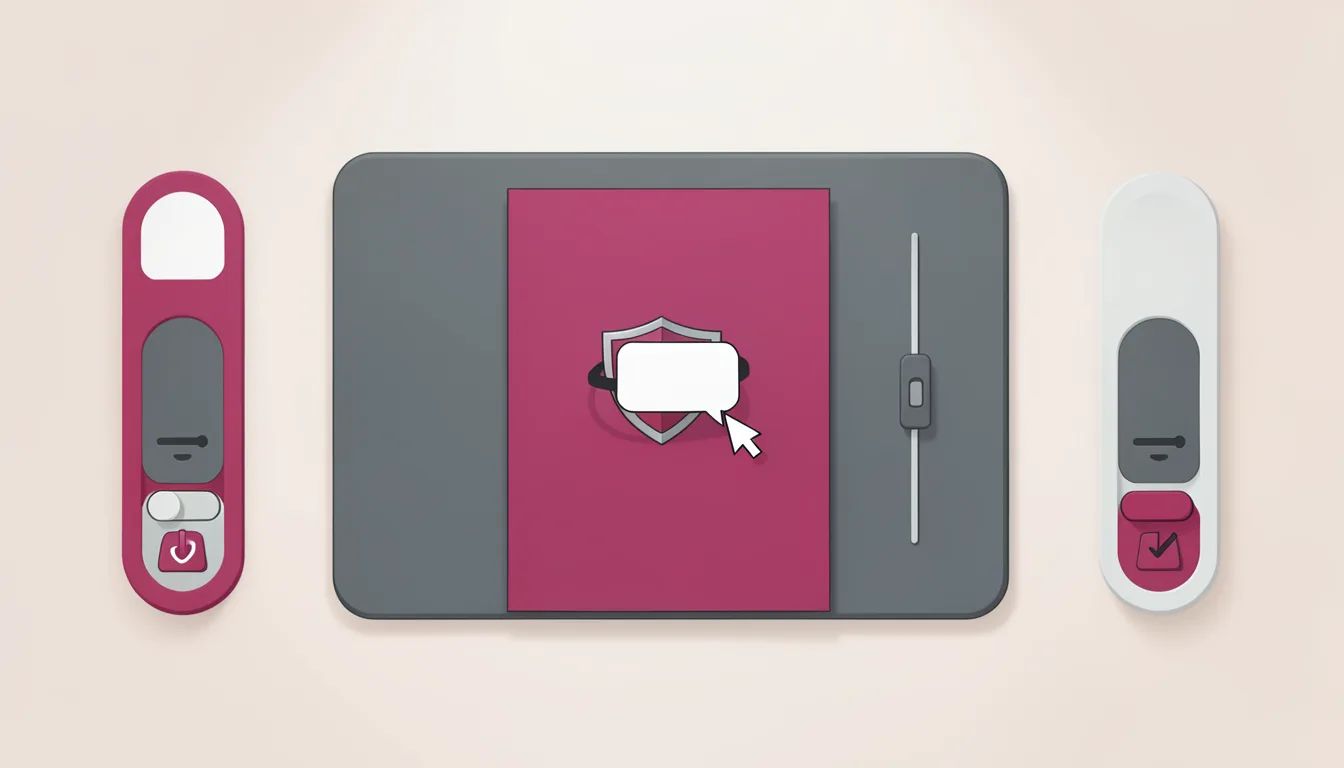
When an AI app promises documents, the first design question is not whether the model can write well. It is where the file becomes real. A local runtime can be the difference between a chat answer and a document pipeline the user can inspect, control, and verify.
The cache folder is the object that changes the argument. It is not a hidden log. It is the product's working surface. Simon Willison found the files while inspecting the ~/.cache folder with OmniDiskSweeper. The discovery involved the OpenAI Codex desktop app, since rebranded to ChatGPT, which contains 1.7GB in a codex-primary-runtime cache folder. The bundled runtimes surface as design evidence. The cache includes a full Python installation, a full Node.js installation, and native binaries for Poppler, git, and LibreOffice. LibreOffice is an open source office suite that forked from OpenOffice.org in 2010. A documents plugin folder includes skills that tell Codex how to find and use those binaries.
The cache is the interface
Most AI document tools hide the conversion step. The model produces text, a cloud service turns it into a file, and the user receives a download link. That pattern is convenient, but it makes the user a bystander. The user cannot see which converter ran, which fonts were used, which permissions were granted, or whether the file was rebuilt after editing. The artifact feels like a black box with a file extension. The cloud version asks the user to accept a file. The local version lets the user own the file.
A local document pipeline changes the interaction. If the converter is on the machine, the user can inspect the cache, open the output in their own editor, compare versions, and keep the file path visible. That is not a privacy feature only. It is a product pattern: the system shows its work. For AI apps that generate reports, contracts, spreadsheets, or slide decks, that pattern is what separates a demo from a workflow.
What the bundled suite signals
Bundling an office suite is a design move. It tells the user that prompts can become editable artifacts without forcing the work into a proprietary conversion cloud. The judgment is sharper when the suite is open source, because the user can reason about the tooling rather than accept a vendor promise. The local cache becomes a receipt: here is the runtime, here is the converter, here is the file.
Document work is not a single generation event. It is a sequence: draft, format, review, edit, export, share. If each step requires re-uploading content to a remote service, the user is paying a cognitive tax. They must decide what is safe to send, what may be transformed, and what they can verify later. A local pipeline lowers that tax by keeping the file on the user's machine and making the conversion step part of the workflow.
Redesign: the local document pipeline rule
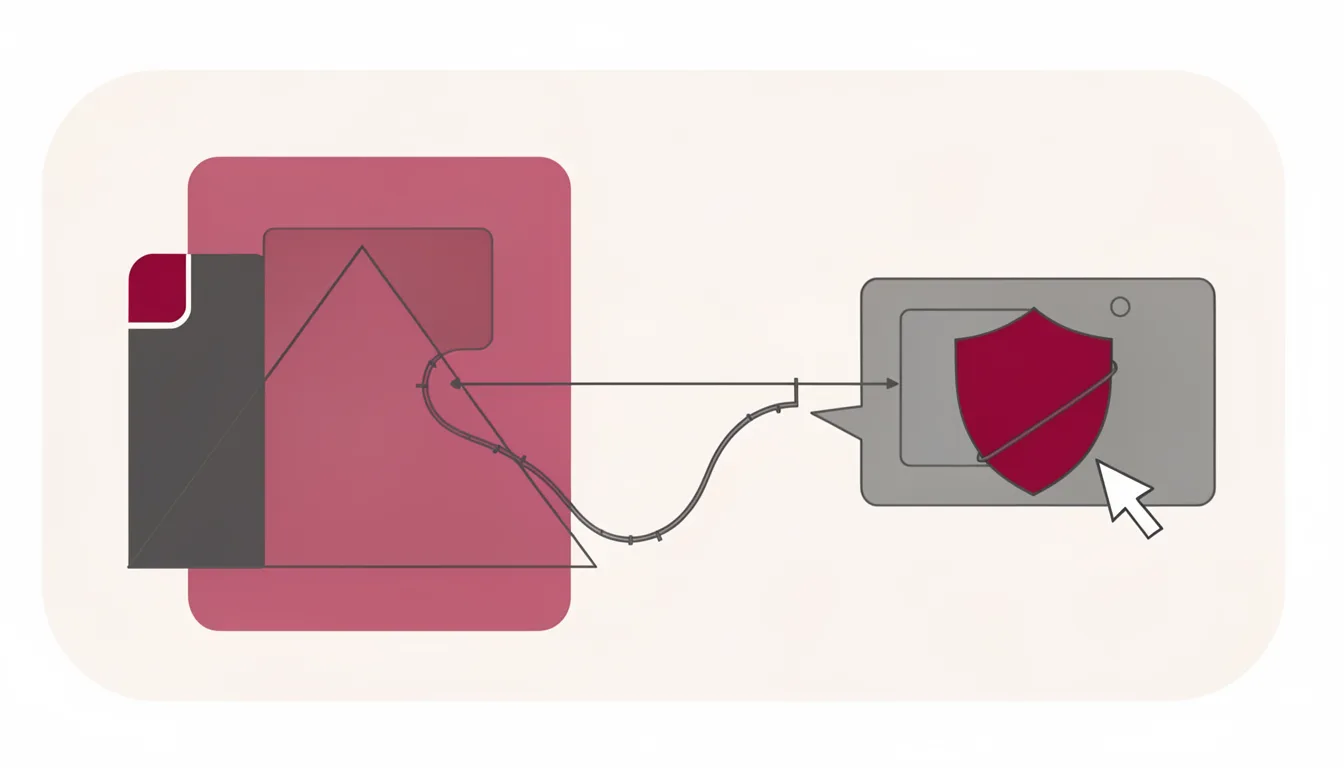
The pattern to ship is simple: prompt → local runtime → open-source converter → editable artifact → user-visible file path. The arrow matters. The rule is the practical payoff: the user should be able to follow the path from request to file without leaving the app or trusting an invisible service.
Local Document Pipeline Rule: prompt → local runtime → open-source converter → editable artifact → user-visible file path.
At the design-crit table, the checklist is the verdict:
- Bundled binaries: the app includes the converter on the machine, not only a remote API.
- No forced upload: the user can generate and edit the file without sending content to a cloud service.
- Inspectable cache: the user can see where the runtime lives and what it contains.
- Editable output: the result opens in a real editor, not only a preview pane.
- Revocable permissions: the user can remove access, clear the cache, or delete the file without support tickets.
If a product cannot pass these checks, it is not a document pipeline. It is a chat interface with a file icon. The difference is not technical trivia. It is the difference between asking the user to believe the output and giving them a way to verify it.
The redesign is not to hide the cache. It is to make the cache part of the product surface. A visible runtime folder, a clear file path, and an editable export are small UI decisions that carry a large promise: the user is not being asked to trust the model alone. They are being given a document workflow they can audit.
Local document processing is the quiet trust layer in AI products. It does not need a new model, a new brand, or a new promise. It needs a visible path from prompt to file, a converter the user can inspect, and an artifact the user can keep. When an AI app promises documents, the answer is where the file becomes real. Ship the office suite, and the document stops being a mystery.