Make AI Features Read-Only Panes That Cite Records and Stay in Workflow
When AI touches authoritative data, default to read-only access, cite the source record, and keep the feature inside the user’s existing workflow.
| By | Prompt & Product — Newsroom |
|---|---|
| Filed | 15 September 2026 |
| Read | 3 MIN |

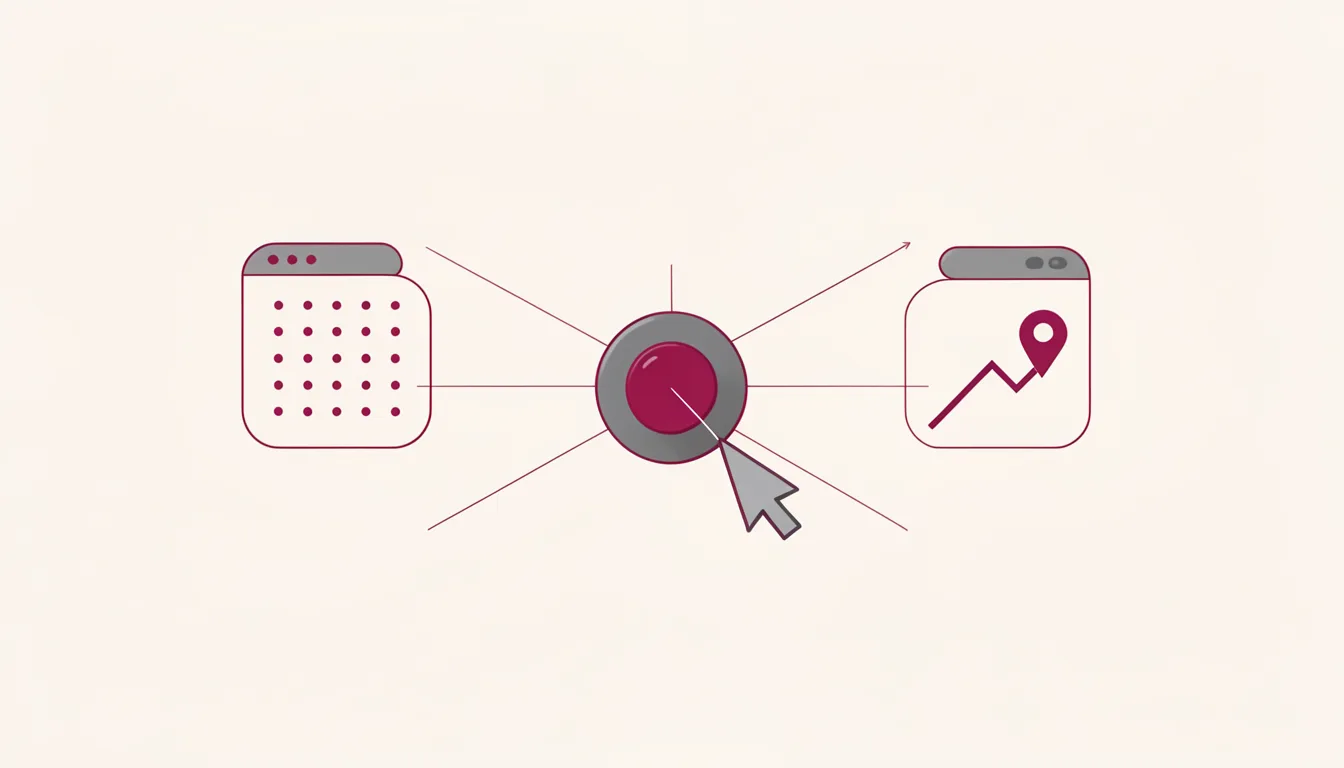
When an AI feature touches a system of record, such as an electronic health record, the user should be able to check the source without leaving the task. The safest default is a read-only pane that cites the record and stays inside the workflow.
On September 1, 2026, OpenAI announced that healthcare organizations could connect Epic EHR environments to ChatGPT for Healthcare and use a Healthcare Public Data plugin connecting nine official healthcare datasets. Approved ChatGPT for Healthcare and HIPAA-enabled ChatGPT Enterprise workspaces get read-only access to authorized Epic patient records.
The Epic connector can only retrieve and synthesize authorized information, but it cannot modify the chart, create orders, message patients, or change permission settings. A read-only AI integration is the first trust signal. The interface can show the limit plainly: the model reads the record, and the human keeps the write action.
Read-only access is the trust interface
Designers often reach for write access because it feels like progress. The user asks for a summary, and the team imagines the assistant updating the chart, drafting the note, or sending the message. The safer move is to make the limitation visible. The pane should say what it can read, what it cannot change, and where the human action happens.
The Epic integration collects the authorized record, summarizes changes, and points back to the supporting chart. ChatGPT output can reference the underlying chart material, so users can check the source record behind a summary. That loop turns the AI output into a claim with a receipt. The user can compare the summary against the chart entry instead of deciding whether to believe the model.
Citations make the summary checkable
A summary without a citation is a guess with confidence. In a system of record, that is the wrong kind of confidence. The interface should show the source record next to the summary, or open it in the same pane, so the user can check the exact entry that supports the claim.
Physicians rated 99.1% of 4,363 responses safe across 27 clinical use cases for connected electronic health record context. In a separate two-round evaluation, more than 93% of responses were rated good or better in accuracy for each of five connected data sources. Those numbers are useful, but they do not replace the citation. A high rating tells the team the model is reliable enough to try. A citation tells the user how to verify the answer in front of them.
UCSF Health is a pilot partner for the Epic integration, and CEO Suresh Gunasekaran described the organization as testing whether the feature helps clinical teams spot significant changes in complicated records. The model’s ability to read the chart is the easy part. The design question is whether the clinician can trust the read-only access without leaving the task.
The strongest objection to a read-only pane is that it feels passive. If the AI cannot act, why build it? The answer is workflow continuity. A user will accept a limited assistant if it reduces the cost of checking the source and does not interrupt the task. The useful test is whether the user can verify the answer without losing the task, not whether the assistant can do more.
The pane belongs where the work already happens
The Epic integration has two deployment shapes: bringing authorized Epic context into ChatGPT and, in supported deployments, embedding ChatGPT inside the electronic health record layout so users do not leave the chart. The in-workflow option is the more important one. It keeps the user’s context, the record, and the summary in one place.
For teams auditing an AI feature in another system of record, the checklist is the redesign target.
- Grant read-only access to the authoritative record, and make the absence of write access visible in the interface.
- Every summary should cite the source record, with a pane or view that opens the underlying entry.
- Deploy the feature where the user already works, not in a separate assistant window that requires context transfer.